Beauty center website
A website for a beauty and skin-care center. Clients pick a treatment, a day and a time, and the booking request lands on the center’s WhatsApp as a ready message.
View live siteBeauty · Website
01 — The system
- 01A client taps the booking button
- 02Treatment, day and time are chosen
- 03A ready request arrives on WhatsApp
- 04The center confirms the appointment
02 — How a customer uses it
- 01
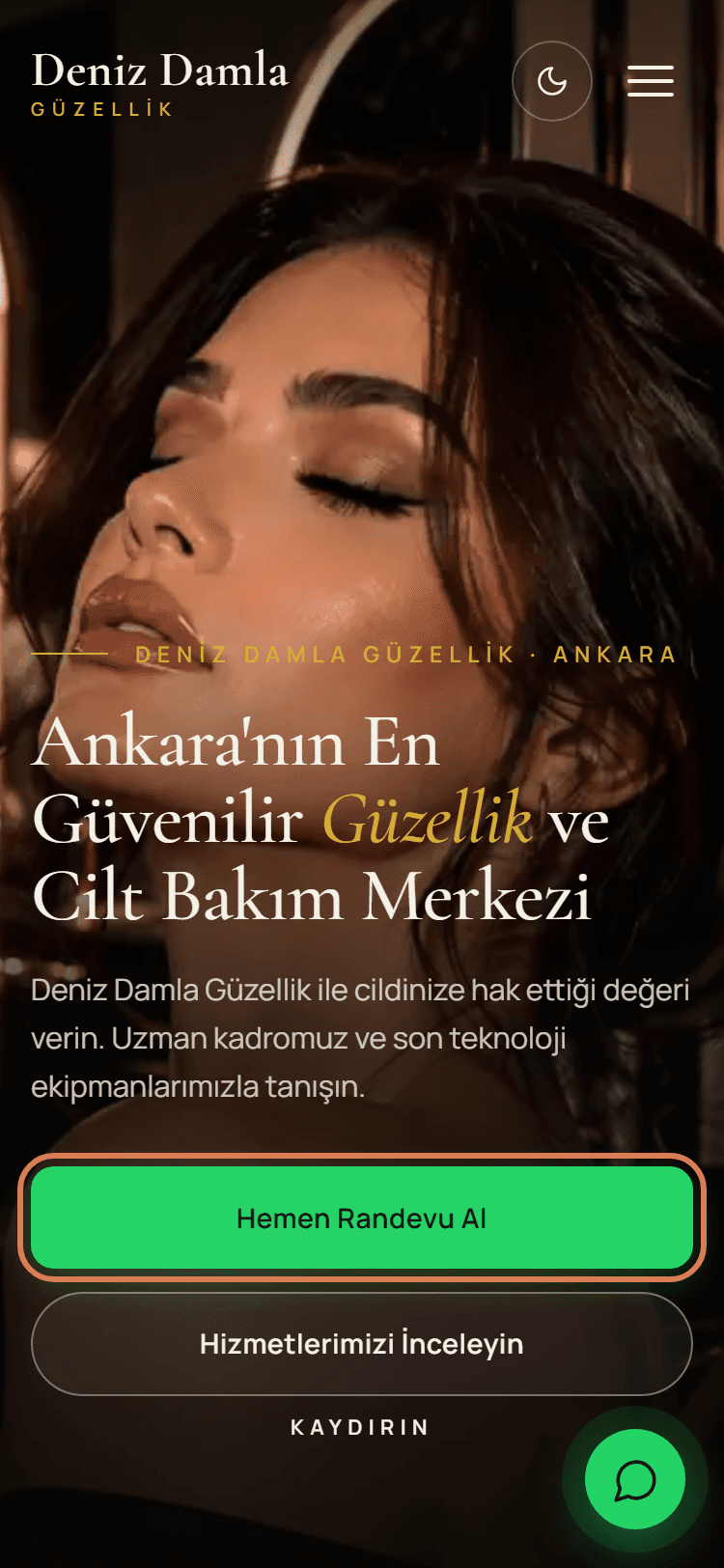
Taps the booking button
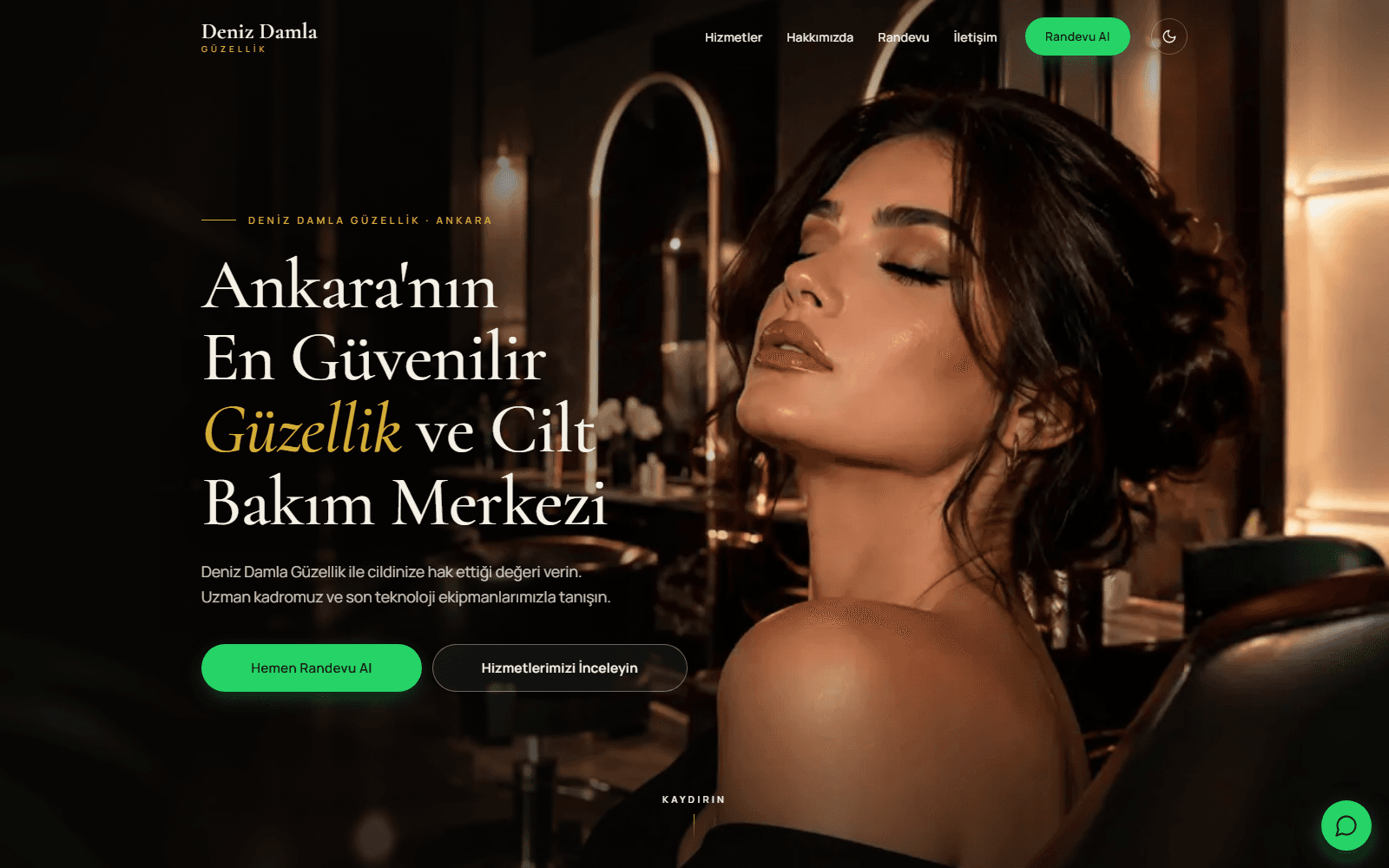
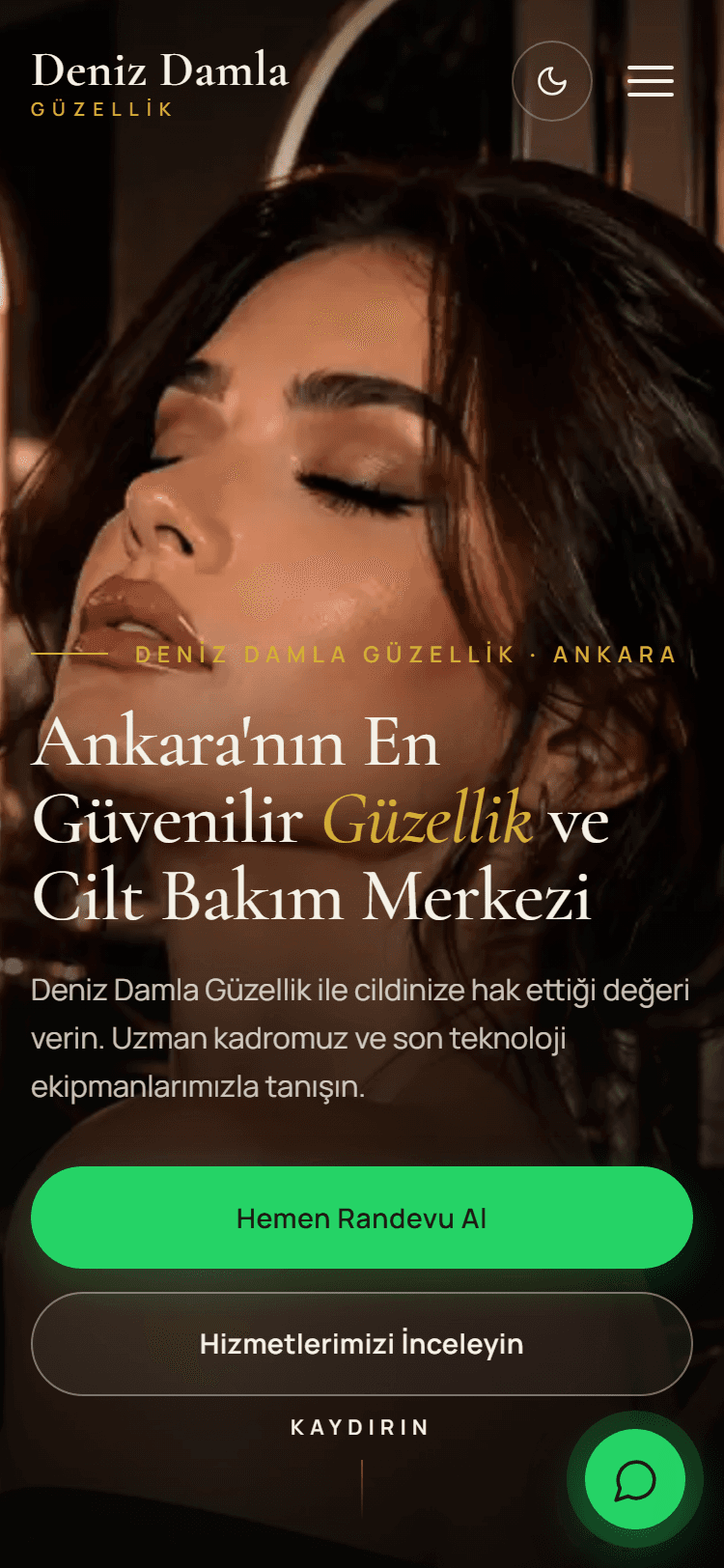
The booking button sits on the opening screen and in the menu. A WhatsApp button stays in the corner at all times.
- 02
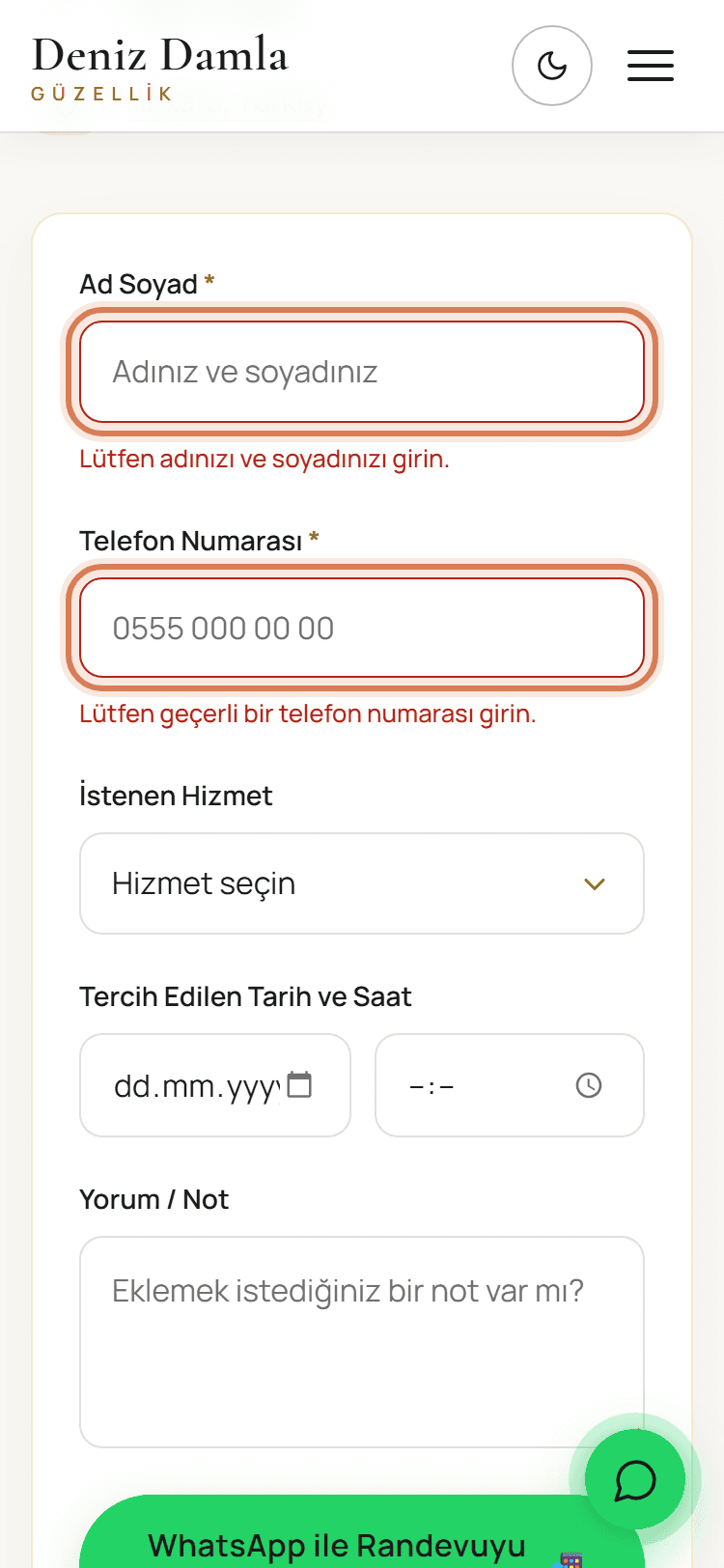
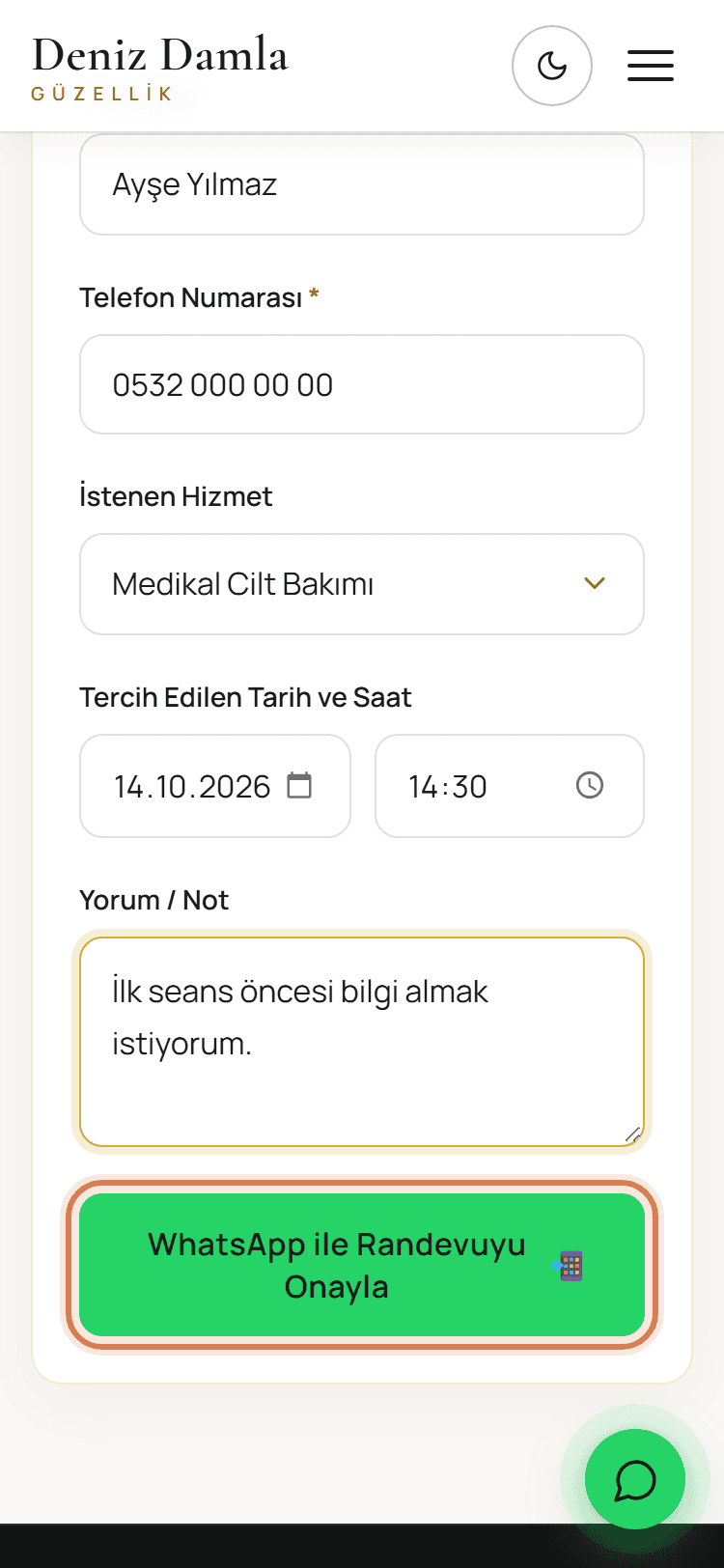
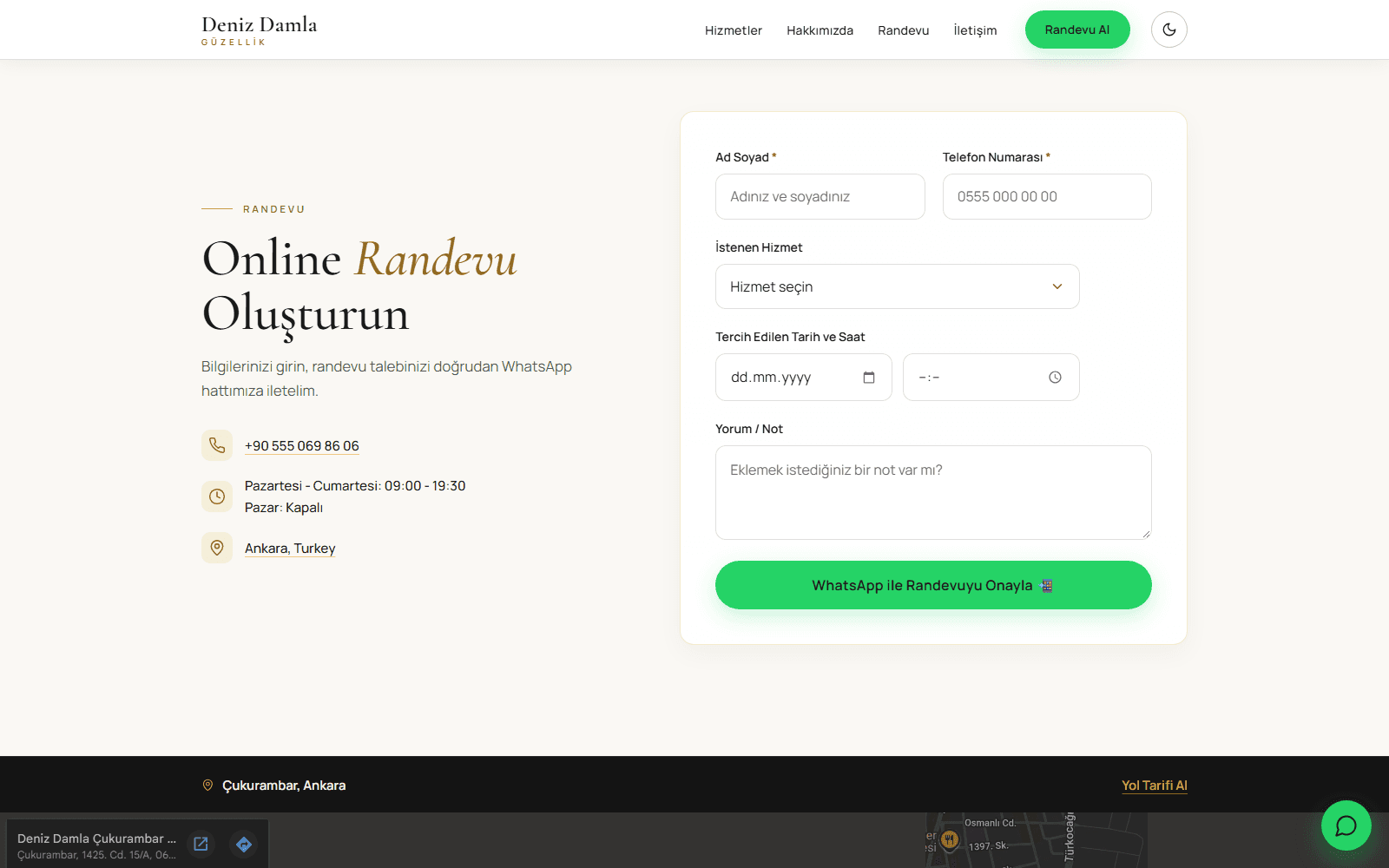
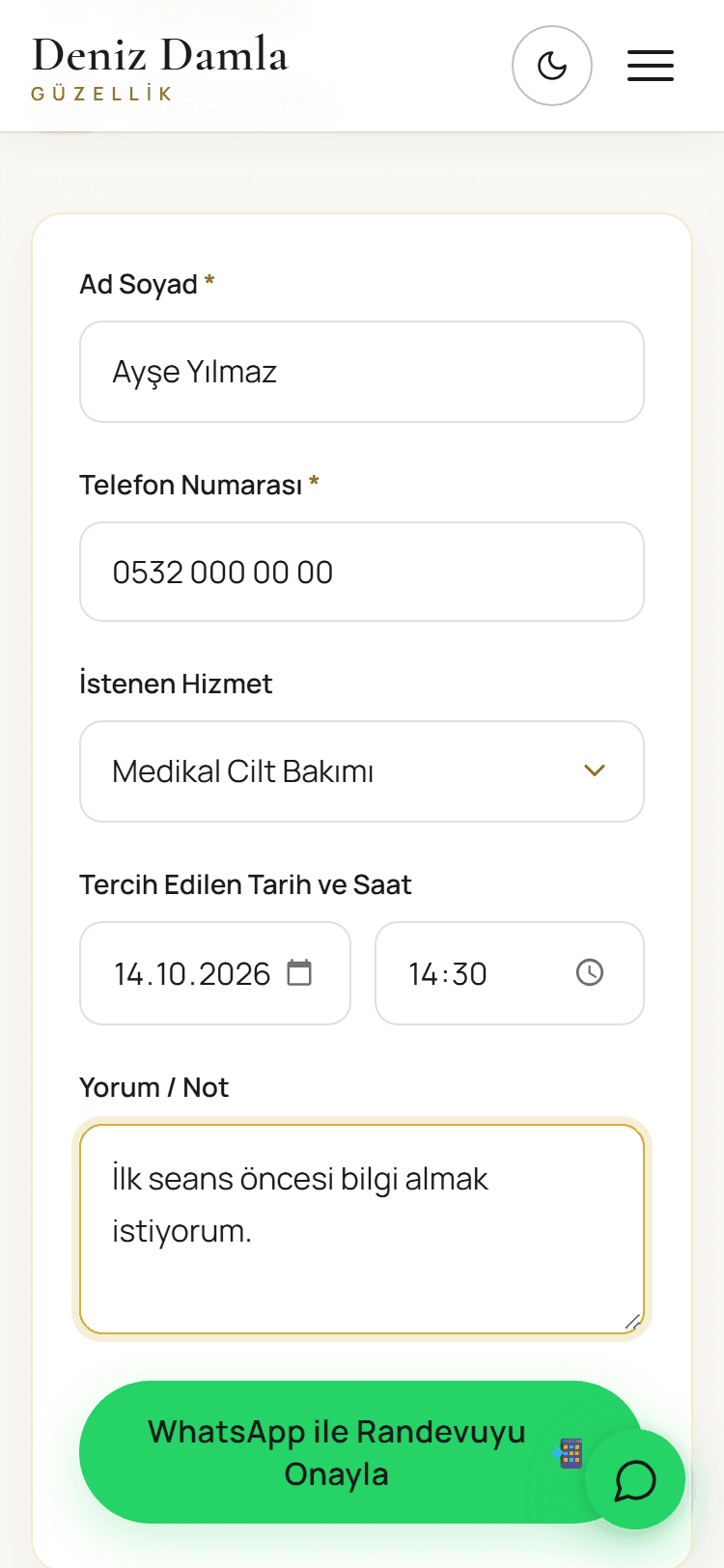
Enters a name and phone number
Both fields are required. If something is missing or wrong, the form says so right under the field.
- 03
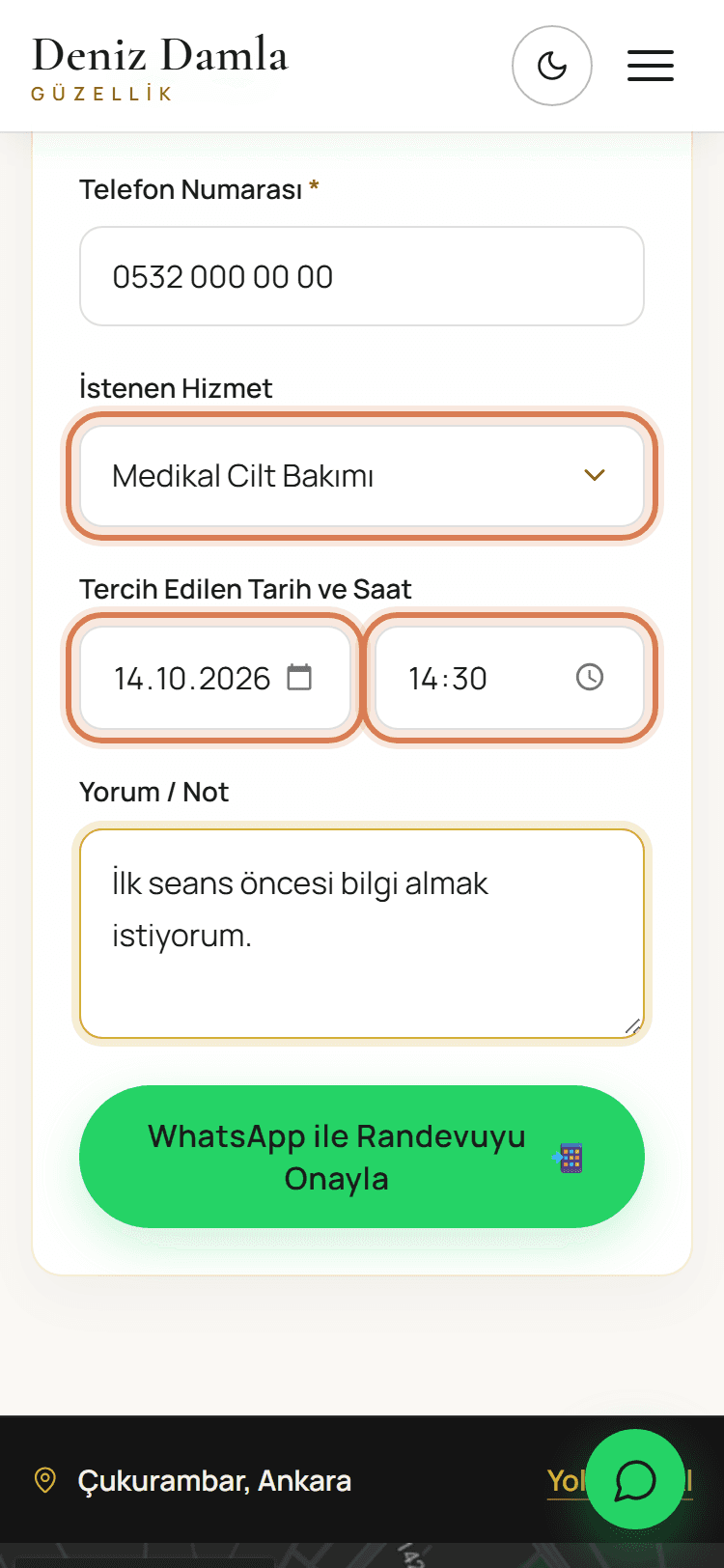
Picks the treatment, day and time
Skin care, laser hair removal, body shaping or permanent makeup is picked from a list. Past dates can’t be chosen, and an optional note can be added.
- 04
Sends the booking on WhatsApp
The button opens WhatsApp with every detail already written. The center sees the request in one message and confirms it.
03 — Screens
04 — What the system does
- 01
Presents four core treatments and what each one covers.
- 02
Collects a booking request on one screen and sends it to WhatsApp as a ready message.
- 03
Shows opening hours, a tap-to-call number and directions in one place.
- 04
Works in light and dark themes, on phone and desktop.